
Stop opening VS Code to fix a button.
You see the issue in 2 seconds. Fixing it takes 30 minutes — find the component, find the class, redeploy, check live, realize you broke something else. ShipLoop closes the loop. Click the element. Describe the fix. A Kilo agent ships the PR. Keep browsing.
No credit card · 2-minute setup · Unlimited Pro access during beta
Point. Prompt. Polish.
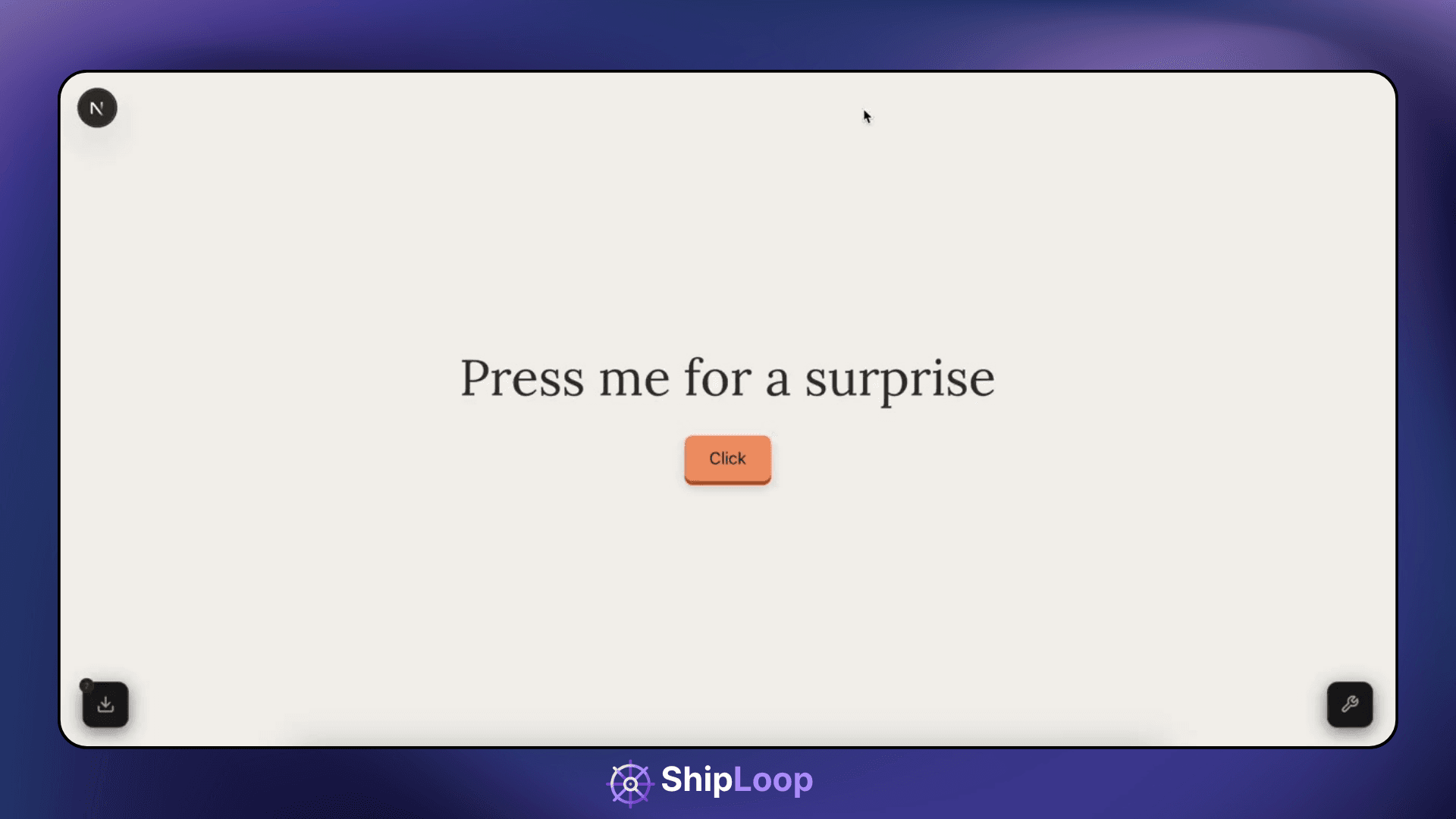
ShipLoop sends the fix Kilo agent ships the PR
CLICK → DESCRIBE → SEND
Try it right now. No signup.
The real ShipLoop widget is live on this page. Click the launcher in the bottom-right corner, pick any element, and watch it capture the exact DOM target, CSS, and HTML snippet — the same payload that gets sent to a Kilo agent.
INSTALL
Paste this. Deploy. Done.
One script tag. 9kb gzipped. No DOM pollution. CSP-friendly. Works on Next.js, Astro, plain HTML, whatever you ship with.
<script src="https://shiploop.io/widget.js"
  data-endpoint="https://shiploop.io/api/inbound/YOUR_PROJECT_ID"
data-secret="YOUR_PROJECT_SECRET"></script>TRIAGE
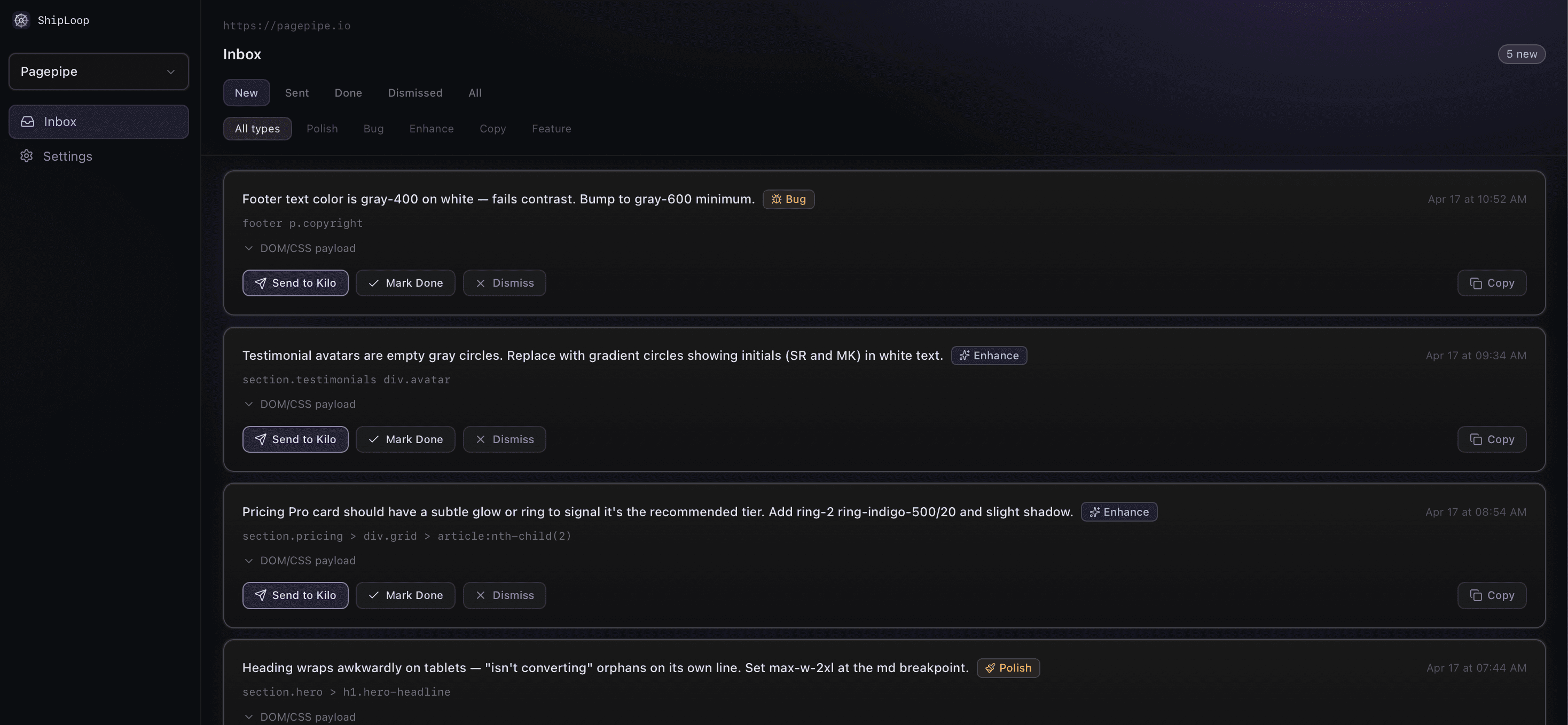
Every submission is pre-sorted.
ShipLoop auto-classifies each request (quick fix, bug, improvement, feature) and estimates effort (S, M, L). Your inbox is triaged before you open it.
→ shiploop payload
selector · classes · html · description
→ kilo agent
writes the fix · opens the PR
#247 · ready to merge ✓
KILO AUTO-SEND
From click to PR. No IDE. No merge conflicts you made yourself.
Hook up your Kilo agent once. Every fix you submit becomes a pull request on the branch you choose. Review, merge, ship. The first time you batch 10 fixes on a Saturday, you'll know why this exists.
Free for every beta user. No gate. →THE RESULT
Your site, cleaner by Sunday night.
Fifteen submissions in one batch session. Fifteen merged PRs. Four hours of polish compressed into twenty minutes.
15 fixes
captured
20 minutes
to ship
0 IDE switches
required
During beta, everyone's on Pro. Free.
No caps. Unlimited projects, unlimited submissions, every feature — including Kilo auto-send. When paid launches, you pick: stay free with solid limits, or lock the $9/mo early-bird rate forever as an active beta user. No rug-pull, no surprises, 30+ days notice before anything changes.
You're in beta. Here's what you get.
- Unlimited projects
- Unlimited submissions
- Kilo auto-send
- Priority support
- Every roadmap feature as it ships
- No credit card required
Free
No time limit announced yet — 30+ days notice before anything changes.
- 3 projects
- 200 submissions / month
- Capture + markdown export
- Dashboard + auto-triage
locked forever — early-bird
- Everything in Free
- Unlimited projects
- Unlimited submissions
- Kilo auto-send
- Priority support
- Roadmap voting
Active beta users lock the $9/mo early-bird rate automatically when paid launches.
FAQ
Common questions
Is ShipLoop free?
Right now, yes — and you get everything. During beta every user is on Pro: unlimited projects, unlimited submissions, Kilo auto-send included, no credit card. When paid launches (no date yet, 30+ days notice), you choose: stay on a free tier with solid limits (3 projects, 200 submissions/mo, capture + export), or lock the $9/mo early-bird Pro rate forever as an active beta user. Standard price after beta is $12/mo. No rug-pull.
Do I need to know how to code?
Yes — a bit. ShipLoop captures DOM selectors and CSS classes. If you can read `section.hero > button.primary`, you'll be fine. The Kilo agent does the actual fix.
Do I need a Kilo account?
Not to get started — capture, triage, and markdown export work standalone. But Kilo auto-send is the magic: a fix description becomes a pull request without you touching your IDE. During beta it's unlocked for everyone. Post-beta it stays on the Pro tier. Grab a Kilo account when you're ready to feel the loop close automatically.
Where should I add the snippet?
Layout file, root template, whatever loads on every page you want to capture feedback on. `_app.tsx`, `layout.tsx`, `<head>`, whatever your stack uses.
Is my feedback data private?
Yes. Submissions live in your Supabase row, visible only to you. We don't train on your data. We don't share it. Standard stuff, said plainly.
What information gets sent with feedback?
The DOM selector, CSS classes, `outerHTML` of the clicked element, viewport size, and your description. No cookies, no user PII, no session replay. If you want to see the exact payload, click any element in the live demo above — what you see is what we send.
What's next
Shipping fast. Here's what lands soon.
- Batch mode: select multiple elements, submit one grouped fix.
- Before/after preview after each agent run.
- Responsive mode selector (mobile / tablet / desktop).
- Annotation drawing on screenshots.
- Multi-page context for global style changes.
- Figma comparison overlay.